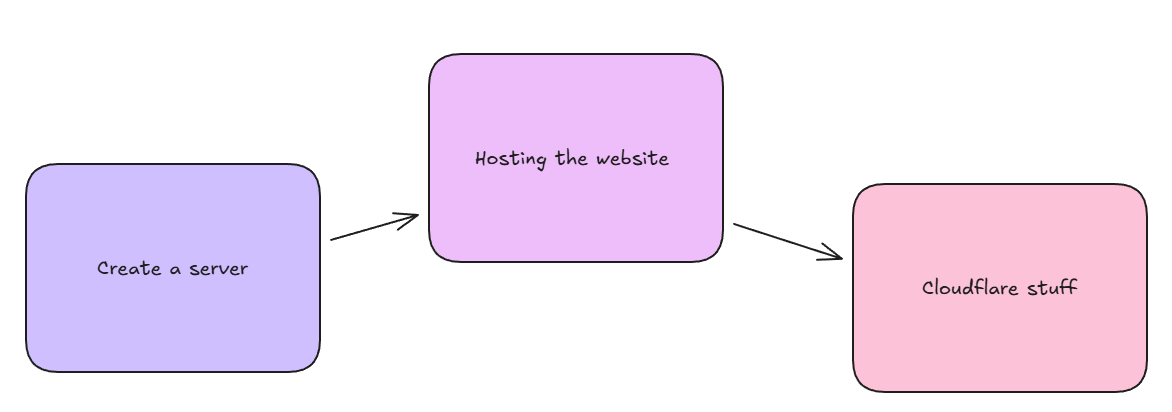
I think computer networking might be my calling. After since the Computer Networking module in my polytechnic course, I have gained interest in this subject. Even more so after my friend introduced to me his cloud services hosted on his server. So, I decided to learn more from him.
Background
I have a cool friend who had a giant server in his house, fully built and created by himself, that gives him access to his cloud services installed inside it. He inspired me to build my own mini home server, which then also gave rise to this website that you see now.
Building the server
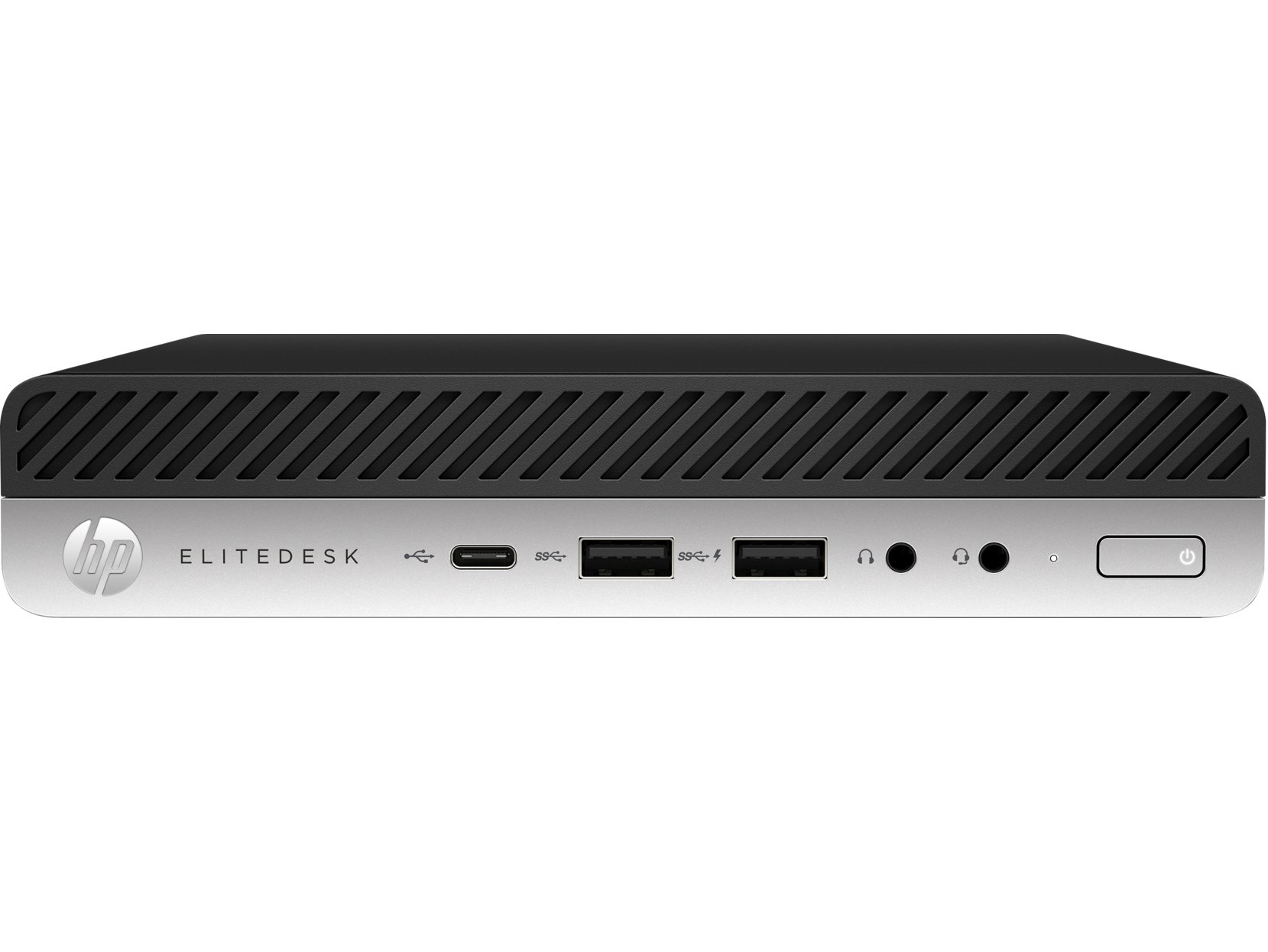
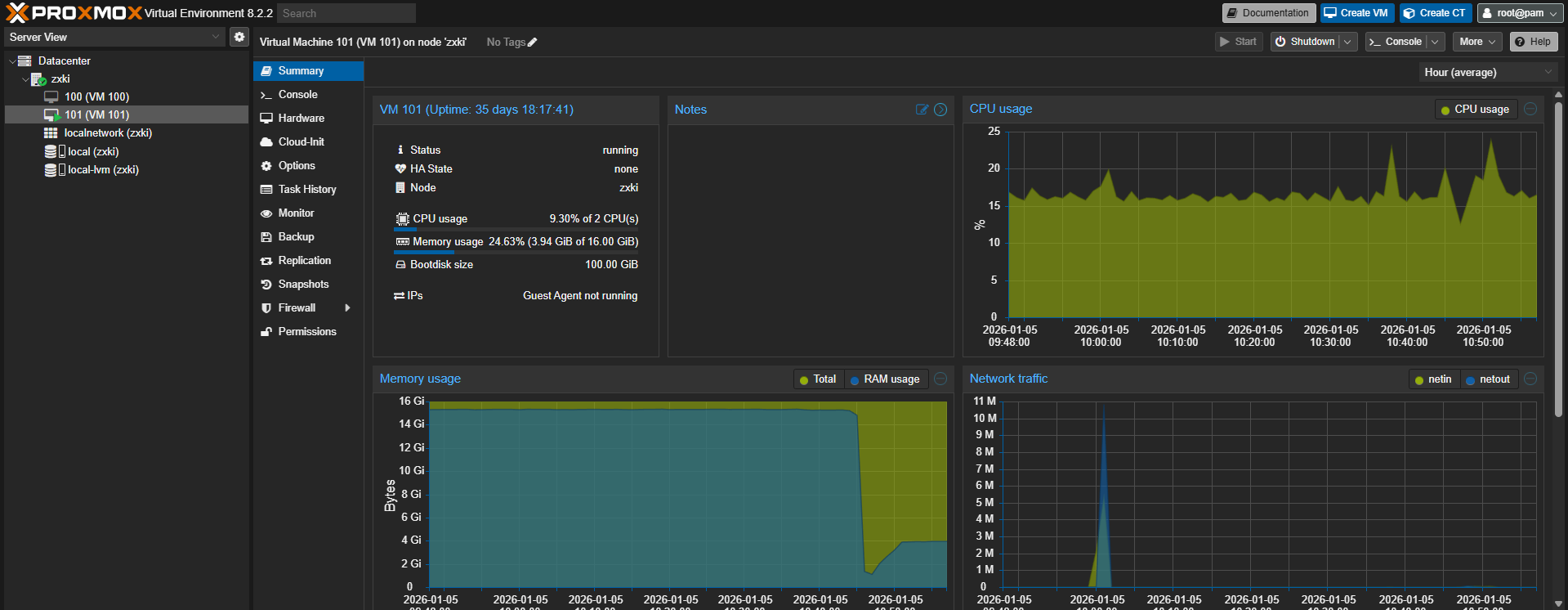
So first I had to find a desktop to put this website into. Luckily my mom had an old HP EliteDesk G3 Mini from 2016 that I found in the store room. Through recommendations from one of my friends, I install Proxmox VE, a VMware. Why Proxmox? It's free and quite simple to use. And since it's a VMware, I can also create more virtual machines for use other than hosting the website itself.
Then, for the VM operating system, I chose Linux because it is open-source and is also resource efficient (Less energy required and also less computer resources used.), which is really really really important for lowering my energy bills. The distribution I chose was Ubuntu because it is more user-friendly for beginners like me.
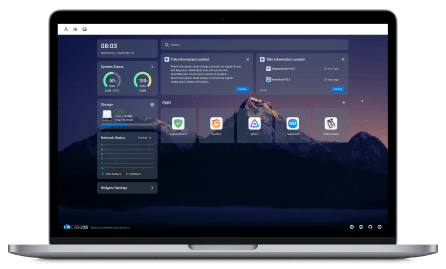
After installing Ubuntu and configuring it, I proceeded to install CasaOS. CasaOS is an open-source, NAS OS(Network Attached Storage Operating System) that simplifies the process of hosting cloud services, as it provides a web GUI that allows me to install, view and use docker containers with ease.
And since there is an open-source nginx docker container, I installed it, and with it I hosted this website.
Making the server visible on the internet
Now that I got the server hosted in my mini desktop, but how do people see this website I hosted on the server? I have to do something that makes it visible on the internet! Now there are 2 ways, port forwarding and tunnelling. I chose tunnelling as internet traffic will go through a proxy before reaching my home server, meaning that my home server is harder to be attacked by bad people, as the proxy handles all the internet traffic for me.
For the tunnel, I chose a Cloudflare tunnel, because everyone knows Cloudflare. Luckily, I could find a docker file for CloudFlared, a server-side daemon for connecting the server to Cloudflare, and installed it on my casaOS. Then, using my elite ball knowledge, I created a tunnel between my home server and Cloudflare, enabling the website to be searched from the internet now.
Giving the website a domain name.
Before I gave the website a domain name, searching for the website would be an absolute hassle, because it would be just an IP address. I had to buy a domain name and create a DNS record that DNS servers all over the world can use to identify my server's IP address.
Hence, I bought the domain name "ongkian.com". From there, I then created an A record that points to my home IP address, then creating a CNAME record, that points to the subdomain "www", of the home IP address I just set.
Key Learnings
- A bit of linux command line
- Computer networking essentials like port forwarding, and network protocols like DHCP and HTTP.
- Knowledge and experience in the usage of Cloudflare